
Harnessing the Benefits of Visual Schedules for Enhanced Productivity

Visual schedules offer a simple yet powerful way to organize tasks and manage time. They help people see what needs to be done, when, and in what order. This clarity can reduce stress, improve focus, and boost productivity. Whether for students, professionals, or anyone juggling multiple responsibilities, visual schedules provide a clear roadmap for the day.

How Visual Schedules Improve Focus and Time Management
Visual schedules break down the day into manageable chunks. This helps prevent feeling overwhelmed by a long to-do list. When tasks are laid out visually, it becomes easier to:
Prioritize important activities
Allocate specific time slots for each task
Track progress throughout the day
For example, a student preparing for exams can use a visual schedule to assign study times for each subject. This prevents last-minute cramming and ensures balanced preparation. Similarly, a freelancer can block out hours for client work, meetings, and breaks, maintaining a steady workflow.
The visual element also serves as a constant reminder of what’s next. This reduces the chances of forgetting tasks or losing track of time. People often find it easier to stay on task when they can see their schedule at a glance.
Practical Ways to Create and Use Visual Schedules
Creating a visual schedule does not require complex tools. Here are some practical methods:
Paper planners or wall calendars: Use colored pens or stickers to mark different tasks or priorities.
Whiteboards: Easily update and rearrange tasks as needed.
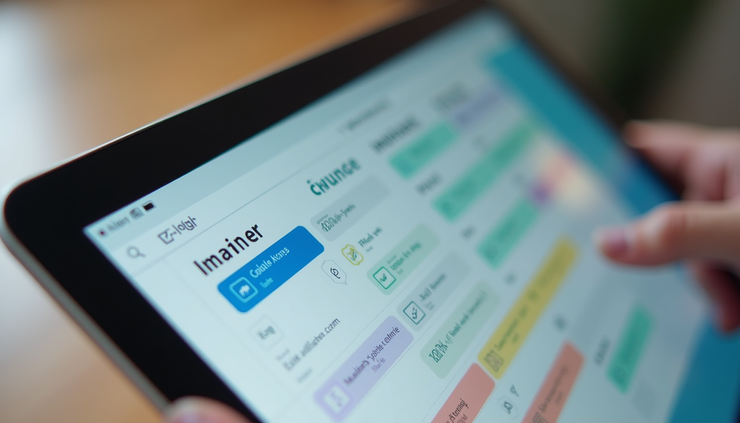
Digital apps: Many apps allow drag-and-drop scheduling with visual cues like icons and colors.
When designing a schedule, keep these tips in mind:
Use clear labels and simple icons to represent tasks.
Break larger tasks into smaller steps.
Include buffer times to handle unexpected delays.
Review and adjust the schedule daily to stay flexible.
For example, a parent managing a household might use a whiteboard in the kitchen to display the day’s activities for each family member. This keeps everyone informed and coordinated.

Benefits Beyond Productivity
Visual schedules do more than just improve productivity. They also support mental well-being by:
Reducing anxiety caused by uncertainty
Creating a sense of control over daily tasks
Encouraging positive habits through routine
People with attention difficulties or executive function challenges often find visual schedules especially helpful. The clear structure reduces cognitive load and makes it easier to follow through on plans.
In workplaces, teams can use visual schedules to coordinate projects and deadlines. This transparency fosters better communication and accountability.
Before wrapping up, consider how visual schedules can be tailored to your lifestyle. Experiment with formats and tools until you find what works best. The key is consistency and making the schedule visible throughout the day.



Comments